Most important first.
Homepage title
AI Readiness
Quick
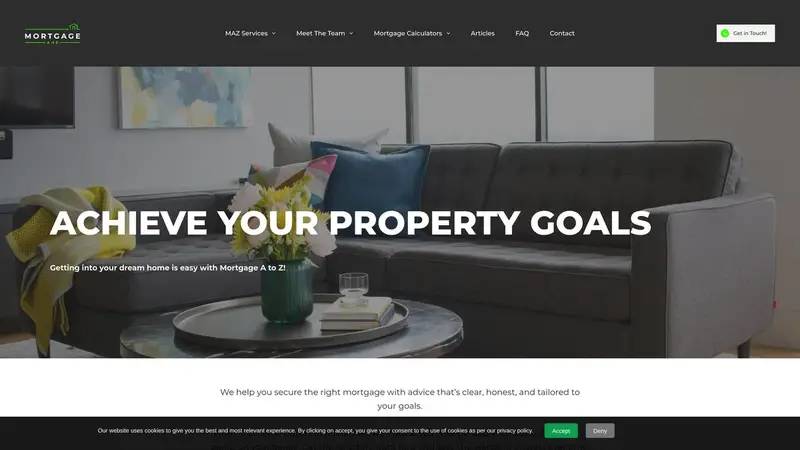
Your homepage has no title.
Why it matters: The title is the first line people see in search results and the first thing an AI assistant reads about the page.
How to fix it: Give your homepage a title that says who you are, what you do and where, in under 60 characters.
Always-secure instruction (HSTS)
Domain & Security
Technical
Your site does not tell browsers to always use the secure connection.
Why it matters: Without this instruction, a browser may still try the insecure address first, which leaves room for the connection to be tampered with.
How to fix it: Ask your developer or host to add the Strict-Transport-Security header once HTTPS works on every page.
Security headers
Domain & Security
Technical
Your site sends 0 of the 5 security headers we look for; missing: hsts, csp, x_frame_options, x_content_type_options, referrer_policy.
Why it matters: These headers tell browsers how to protect visitors - for example, stopping your pages being framed inside someone else's site.
How to fix it: Ask your developer or host to add the missing headers in the server or hosting settings.
AI guide file (llms.txt)
AI Readiness
Quick
Your site does not publish an llms.txt file.
Why it matters: An llms.txt file is a short, plain summary of your business and key pages that AI assistants can read quickly and quote accurately.
How to fix it: Create a text file at /llms.txt with a one-paragraph description of your business and links to your most important pages.
Homepage description
AI Readiness
Quick
Your homepage has no meta description.
Why it matters: Without one, search engines and AI assistants guess at a summary from whatever text they find first.
How to fix it: Write a one- or two-sentence description of your business and add it as the page's meta description.
Contact form findable
AI Readiness
Quick
We found no contact form on your homepage.
Why it matters: A form lets a customer reach you at any hour without picking up the phone.
How to fix it: Add a simple contact form, or a clear link to one, on your homepage.
Link preview when shared
AI Readiness
Quick
Your homepage is missing the tags that make a full preview when it is shared.
Why it matters: When someone shares your link, these tags decide the picture, title and description people see in the post.
How to fix it: Add Open Graph tags (title, description and image); most website builders have a social sharing setting for this.